
Highlight
AI Scout – the new AI assistant in Visual Shop Floor

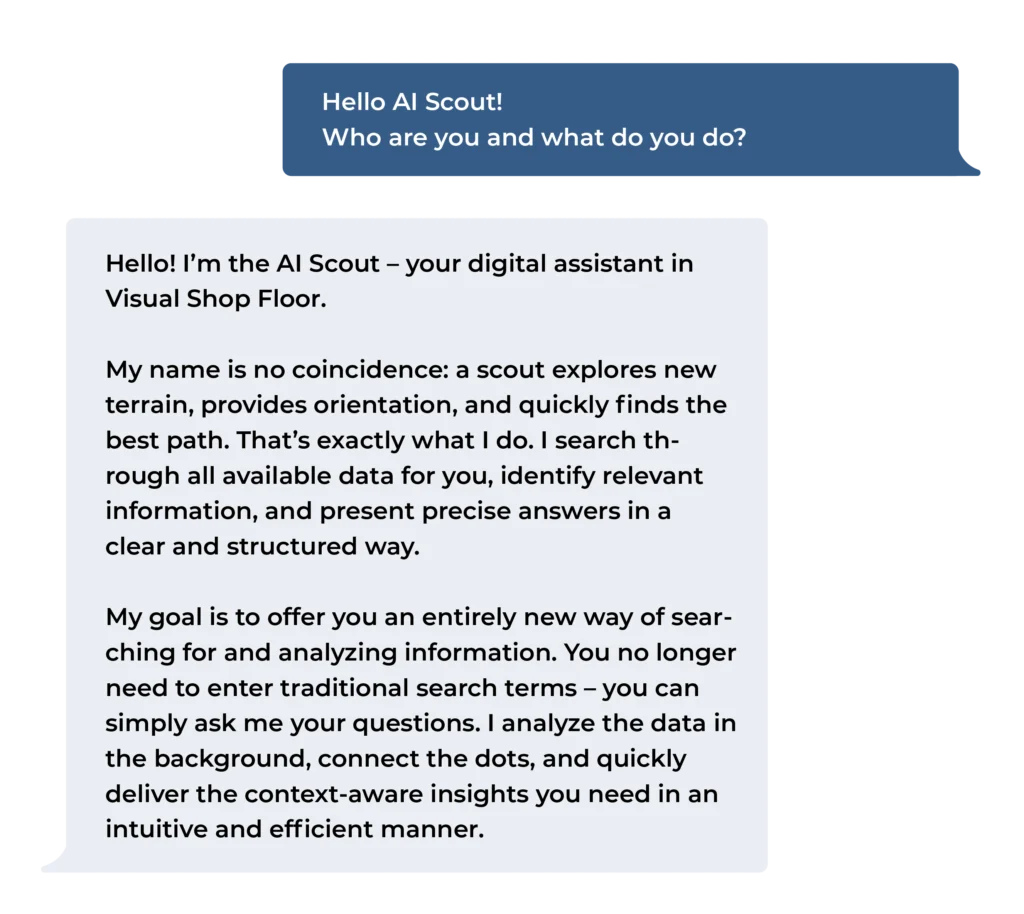
How does the AI Scout work?
The AI Scout functions like an intelligent chat-based system: you ask a question, and the assistant automatically identifies, links, and analyzes all relevant data. It then provides a precise and clearly structured answer.
An example:
“Which top 3 disruptions occurred in October in the assembly area, and what actions were taken?”
By combining all available events, actions, and comments, the AI Scout detects patterns, identifies relationships, and presents the results in a well-structured format.
Your benefits at a glance
Faster evaluation of complex relationships
Intuitive operation through chat-based interaction
Time savings when analyzing historical events
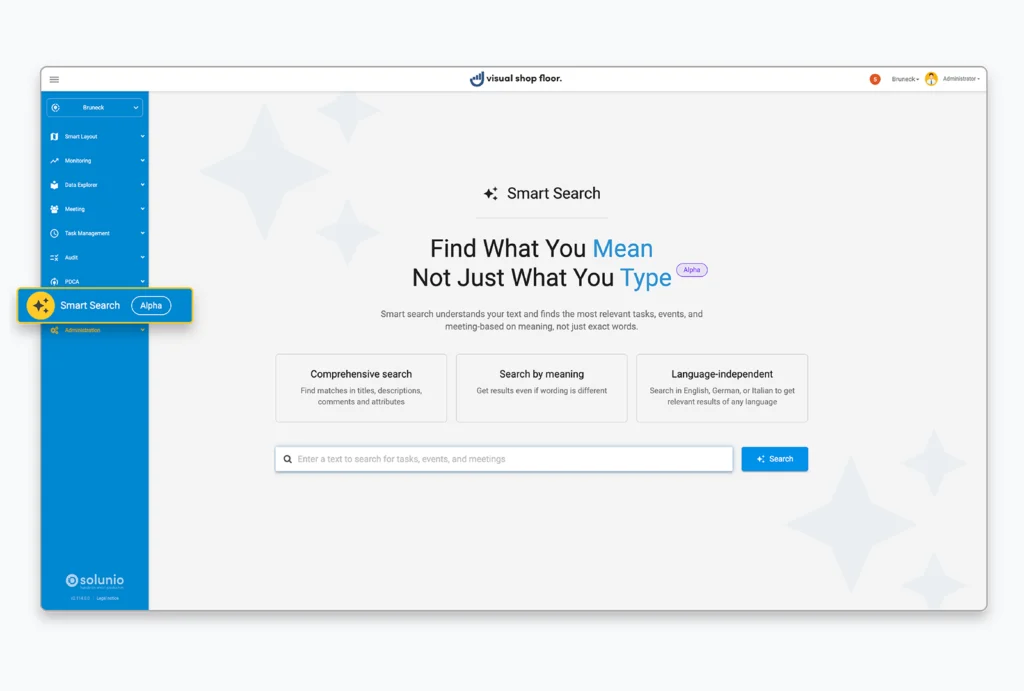
Reduced search effort across tasks, events, and meetings
Better decision-making through automatically prepared information
Compliance & data protection
Compliance and data protection were comprehensively considered during the conception of the AI Scout and strictly aligned with legal and regulatory requirements. By default, the AI Scout is deactivated — meaning no data processing or transmission takes place until you explicitly enable the feature. This ensures that you always retain full control over all relevant aspects.
More features
Granular visibility for events
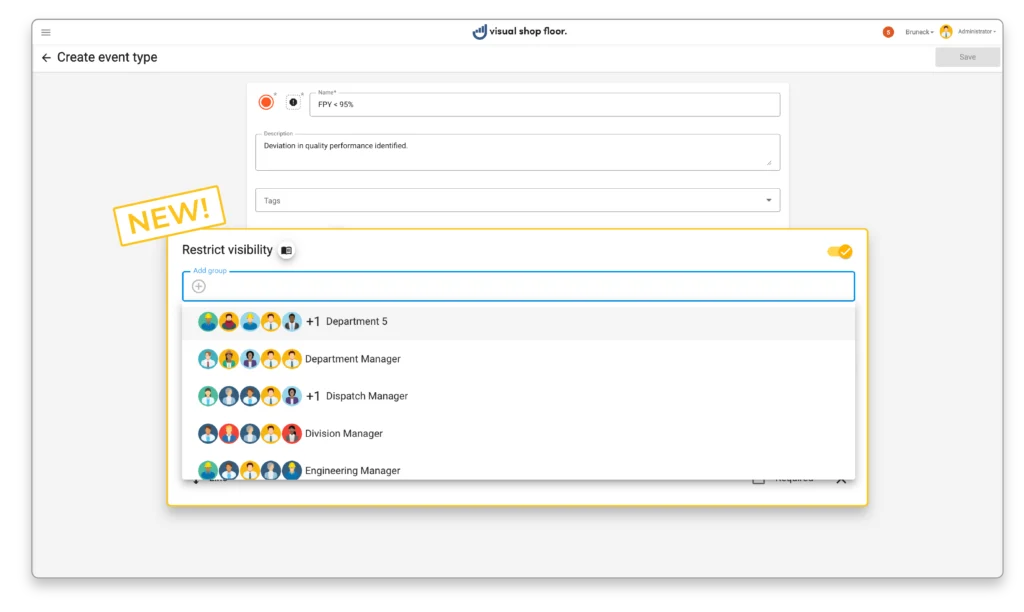
The event handling mechanism is a central component of Visual Shop Floor and is crucial for efficiently managing production and logistics processes. Events enable teams to systematically record and assess disruptions, deviations, bottlenecks, and special incidents, and to derive targeted measures from them.
With the latest update, event handling becomes significantly more flexible: visibility can now be defined individually for each event type. By assigning one or more user groups to an event type, you can precisely control who is allowed to view and edit a given event. This helps protect confidential information while also reducing the workload for users, as they will only see the events that are relevant to them.
Your benefits at a glance
Data protection and confidentiality
Sensitive content is visible only to defined user groups. Information reaches only the employees for whom it is intended.
Sensitive content is visible only to defined user groups. Information reaches only the employees for whom it is intended.
Clarity and focus
Users see only the events that belong to their area of responsibility – resulting in a cleaner overview and fewer distractions.
Users see only the events that belong to their area of responsibility – resulting in a cleaner overview and fewer distractions.
Targeted collaboration
Teams can exchange information more precisely without compromising security or data protection.
Teams can exchange information more precisely without compromising security or data protection.
Flexible control
By flexibly linking event types and user groups, each organization can decide how granular visibility should be – from general events to highly sensitive information.
By flexibly linking event types and user groups, each organization can decide how granular visibility should be – from general events to highly sensitive information.
This update not only strengthens information security but also increases efficiency in day-to-day operations. It is a feature that emerged directly from a concrete customer need, making it both practical and highly relevant.
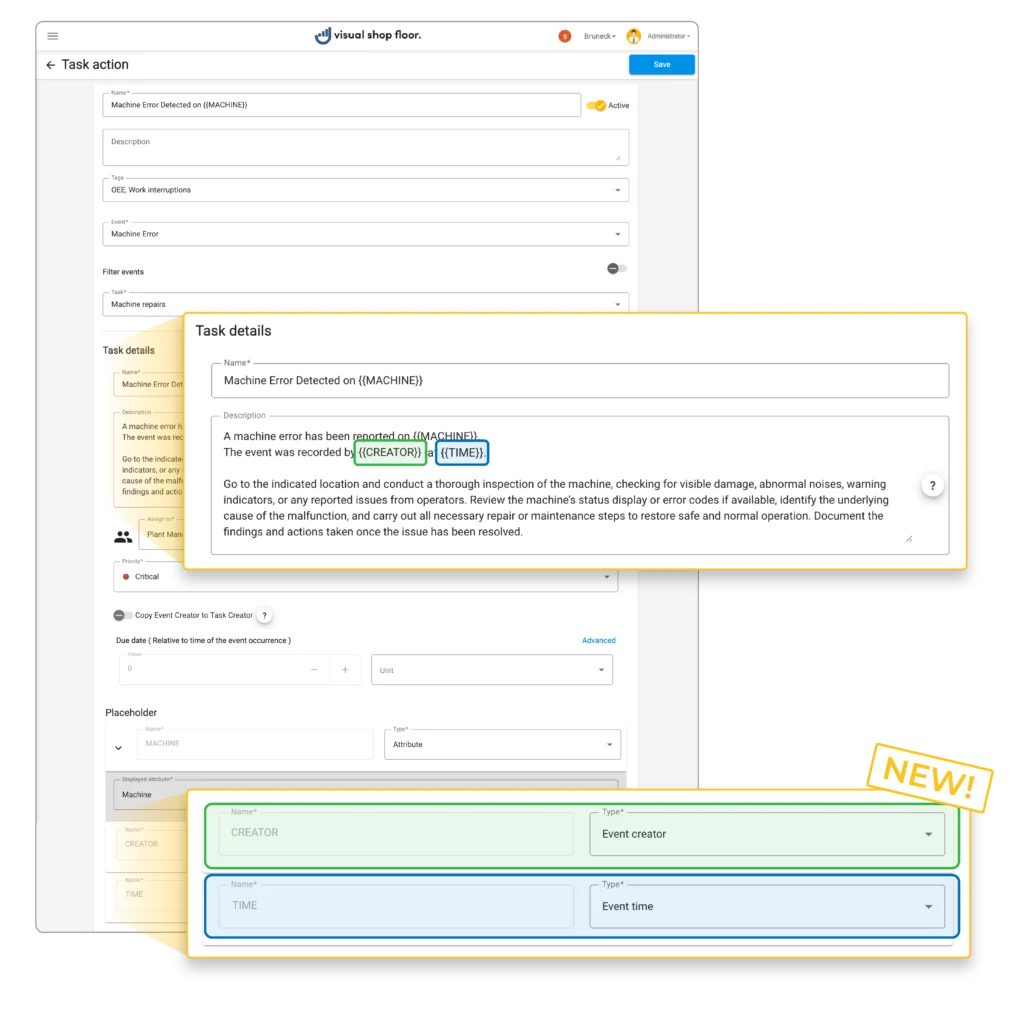
New placeholders for automated emails and tasks